
You recorded a great conversation. Then you played it back and heard the hum of your fridge, a hollow room echo, and a guest who sounds like they called in from a tunnel.
That is the exact problem Adobe built its podcast tools to solve. This guide covers what Adobe Podcast actually does in 2026, how it compares to Audition and Premiere Pro, and how to use it without wasting a Saturday. We have produced 170+ hours of podcasts, so we will also be honest about where these tools stop.
Quick answer: Adobe Podcast is Adobe’s free, browser-based suite for recording and cleaning up spoken audio. Its core tool, Enhance Speech, uses AI to remove background noise, tame echo, and make voices sound studio-recorded. It’s excellent for fixing dialogue, but it is not a full editor — you still need something like Audition or Premiere Pro for music, mixing, and video.
What is Adobe Podcast?
Adobe Podcast is a web platform at podcast.adobe.com built around one killer feature: Enhance Speech. You upload a rough voice recording, and the AI returns a version that sounds like it was captured in a treated studio.
It does more than mute the hiss. The 2026 release, Enhance Speech v2, separates your recording into layers — speech, background noise, and music — so you can lower the noise, keep the dialogue, and export clean stems separately (Adobe).
Under the hood it does something clever. Instead of only subtracting frequencies like a normal equalizer, it predicts and rebuilds the missing high-end of your voice, and a separate model strips out room reverb (AIUnpacking).
The platform also includes a recording studio. You can bring in up to four remote guests, capture individual WAV tracks per person, record video, and send guests a link that needs no account to join (AIUnpacking).
Is Adobe Podcast free?
Yes, the part most people come for is free. Enhance Speech works with no account for a single upload, and the free tier gives you roughly one hour of processing per day, with a 30-minute and 500MB limit per file (Adobe).
If you outgrow that, Premium runs about $9.99/month and unlocks four hours of daily enhancement, full source separation, stem exports, unlimited Studio projects, and Adobe Express Premium (AIUnpacking).
For most people starting out, the free tier is enough to hear the difference before paying anything.
Adobe Podcast vs Audition vs Premiere Pro
People search “podcast adobe” and land on three different products. Here is which one you actually need.
| Tool | Best for | Price (2026) | Handles video? |
|---|---|---|---|
| Adobe Podcast | Fast AI cleanup of dialogue; simple remote recording | Free / ~$9.99 mo | Records video, no editing |
| Adobe Audition | Deep, precise audio editing, noise repair, mixing | ~$22.99 mo standalone | No |
| Adobe Premiere Pro | Editing the video version of your podcast | Creative Cloud plan | Yes |
The short version: Adobe Podcast cleans voices. Adobe Audition is the professional audio editor — its noise reduction is among the best in any software, and it batch-processes files and plugs straight into Premiere (The Podcast Consultant). Adobe Premiere Pro is where you cut the video, add captions, music, and effects.
A common 2026 workflow is to use them together: clean or separate the speech in Adobe Podcast, then drop that polished audio back into your Premiere or Audition timeline for the real edit (AIUnpacking).
How to clean up your audio with Adobe Podcast Enhance
The tool is deliberately simple. Here is the whole process.
- Go to podcast.adobe.com and open Enhance Speech.
- Upload your file (WAV or MP3, under 30 minutes and 500MB on the free tier).
- Wait for the AI to process — usually a minute or two.
- Preview with the slider. Drag the enhancement strength down to keep it natural; push it up for the most aggressive cleanup.
- On Premium, adjust the separate speech, noise, and music levels if you want more control.
- Download the enhanced file, or export stems separately.
One tip: the strongest setting is not always the best. Cranked to 100%, voices can sound slightly robotic. For most episodes, somewhere around 70–80% keeps the warmth while killing the noise.
Where Adobe’s tools stop — and real production begins
Here is the part nobody tells you when you first search for a podcast tool.
Cleaning your audio is a real win, but it is a small slice of what turns a recording into a show people actually find. Recording and cleanup is maybe 10% of the work. The other 90% — the part that decides whether anyone ever sees the episode — happens after you stop recording.
Adobe Podcast will not write your YouTube title or design a thumbnail that earns the click. It will not cut your two-hour conversation into 12 short clips for Reels, TikTok, and Shorts. It will not master your loudness to platform standards, write an SEO description, or distribute the episode across Spotify, Apple, and YouTube on a schedule.
None of that is a knock on Adobe. It is just a different job. A great enhancer solves one problem beautifully; a published, growing podcast is a chain of a dozen problems solved every week.
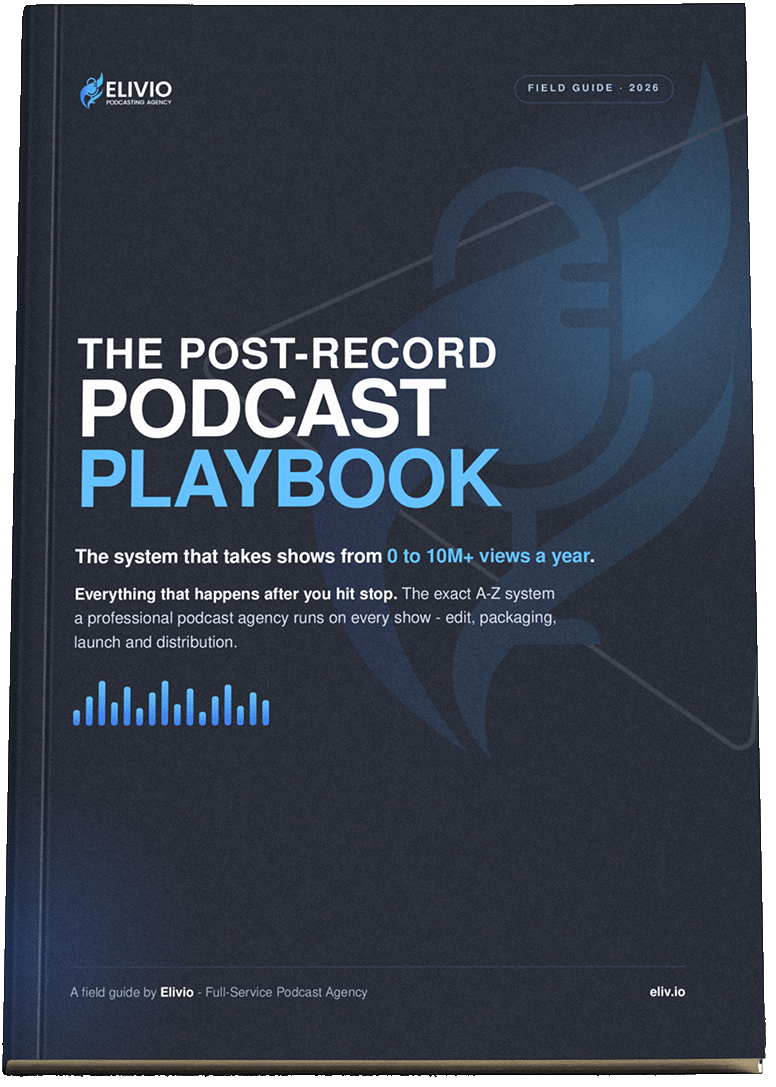
If you want the full map of that post-record process — the exact steps a production team runs after you hit stop — we wrote it down. The Post-Record Podcast Playbook is a free 22-page field guide covering editing, YouTube packaging, launch-day distribution, and turning one episode into a week of short-form content.
A realistic podcast post-production workflow
Here is how the tools fit together for a weekly show, from raw file to published everywhere.
- Record — capture clean tracks (Adobe Podcast Studio works well for remote guests).
- Enhance — run each voice through Adobe Podcast Enhance to kill noise and echo.
- Edit — assemble in Audition (audio) or Premiere Pro (video): cut dead air, tighten pacing, add intro and music.
- Master — level the loudness so it sounds consistent everywhere.
- Package — write a searchable title, a strong description, and a thumbnail built to be clicked.
- Clip — pull 6–16 short-form moments for social.
- Distribute — publish the full episode and clips across every platform, on time.
Steps 1 and 2 take an afternoon to learn. Steps 3 through 7 are where most hosts quietly burn out — which is why so many promising shows stop at episode eight.
That gap is exactly what we built Elivio to close. We handle everything after the record button so hosts can just show up and talk. One client, an agricultural podcast, went from zero to the number-one show in its niche in Bulgaria in six months once the post-production ran like a system instead of a scramble.
Frequently asked questions
Is Adobe Podcast the same as Adobe Audition? No. Adobe Podcast is a free, web-based tool focused on AI cleanup and simple recording. Adobe Audition is a professional desktop audio editor for detailed repair, mixing, and sound design. Many creators use Adobe Podcast to enhance voices first, then edit the full episode in Audition or Premiere Pro.
Does Adobe Podcast work on mobile? Enhance Speech runs in a web browser, so you can upload a file from a phone, but a laptop or desktop gives you far more control over previewing, adjusting levels, and exporting. For serious editing, work on a computer.
How good is Adobe Podcast Enhance really? For dialogue recorded in an untreated room, it is one of the best free tools available in 2026. It removes noise and reverb and rebuilds voice clarity convincingly. It is less suited to music-heavy audio or files that need precise, manual repair — those still belong in a full editor.
Can Adobe Podcast replace an editor or a production team? No. It solves one step — clean audio. A finished, growing podcast also needs editing, mastering, packaging, short-form clips, and distribution every week. Adobe Podcast is a strong first step, not the whole workflow.
What’s the file limit on the free version? On the free tier, Enhance Speech accepts files up to 30 minutes and 500MB, with about one hour of total processing per day. Premium raises this to four hours of daily enhancement and adds stem exports and source separation for around $9.99 per month.
The bottom line
Adobe Podcast is the fastest way to make a rough recording sound professional, and the free tier is genuinely useful. Pair it with Audition or Premiere Pro when you need real editing, and you have a capable, low-cost setup.
Just remember the trap: clean audio feels like the finish line, but it is the starting line. The growth comes from everything that happens after — the packaging, the clips, the consistent distribution.
If you want the full step-by-step system for that part, grab the free Post-Record Podcast Playbook. It is the exact process we use to take shows from a raw file to published everywhere.